
Your Server. Your Stream. Your Control.
Simulcast any supported live source through a VPS you own—with full control over access, configuration, and destinations.
Your Stream, Routed Your Way.
Connect a supported live source, route it through your VPS, and publish it to the destinations you choose.
Connect Your Source
Use OBS, Streamlabs, vMix, a hardware encoder, or another supported live source.
Route Through Your VPS
Your live feed passes through the streaming setup installed on infrastructure you own.
Publish Where You Choose
Add supported streaming destinations and control where each live feed is published.
More Than Simple Stream Forwarding.
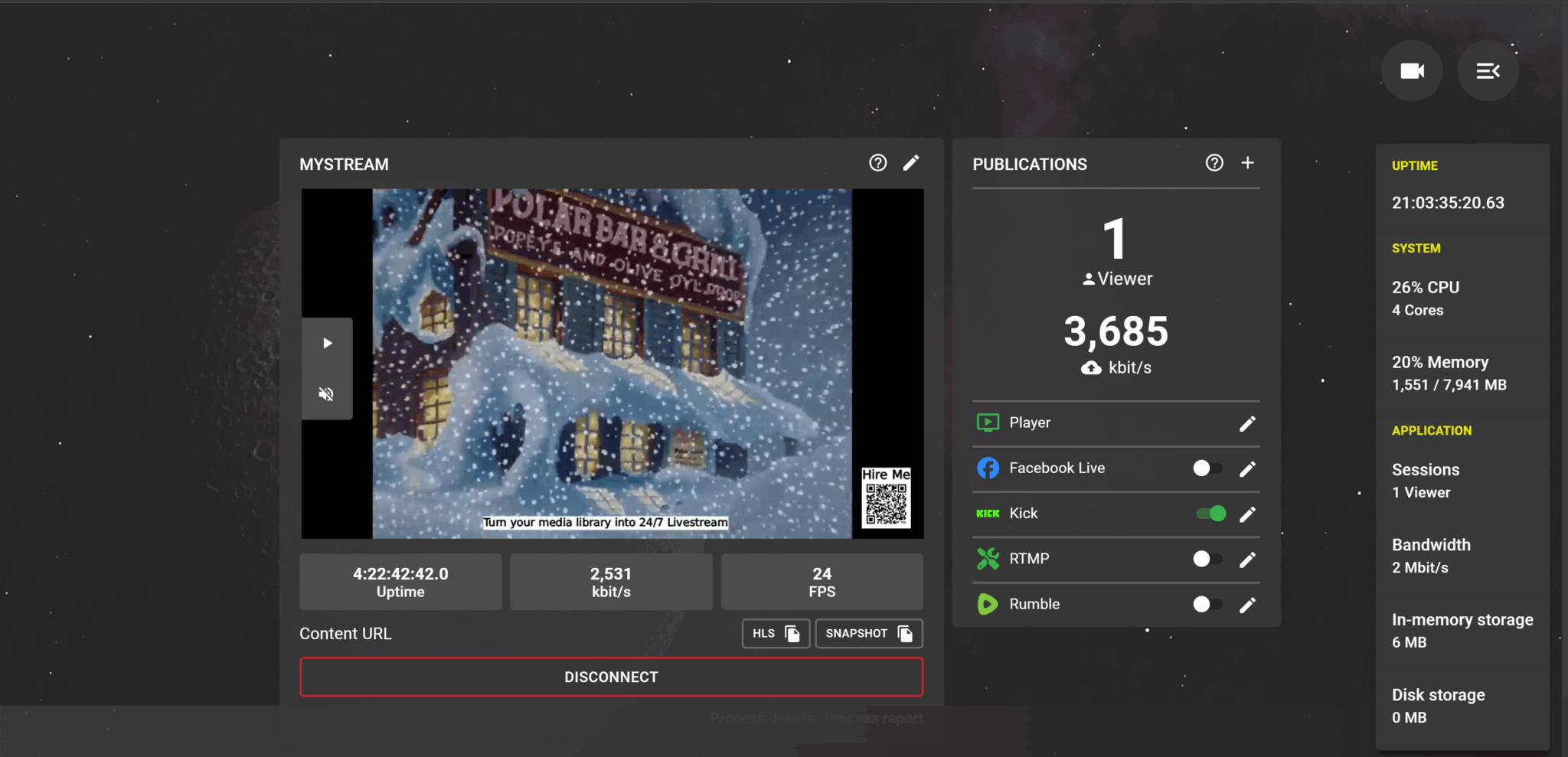
Manage live sources, destinations, stream quality, and system activity from one dashboard running on your infrastructure.
Flexible Live Sources
Connect OBS, Streamlabs, vMix, hardware encoders, or other supported network sources.
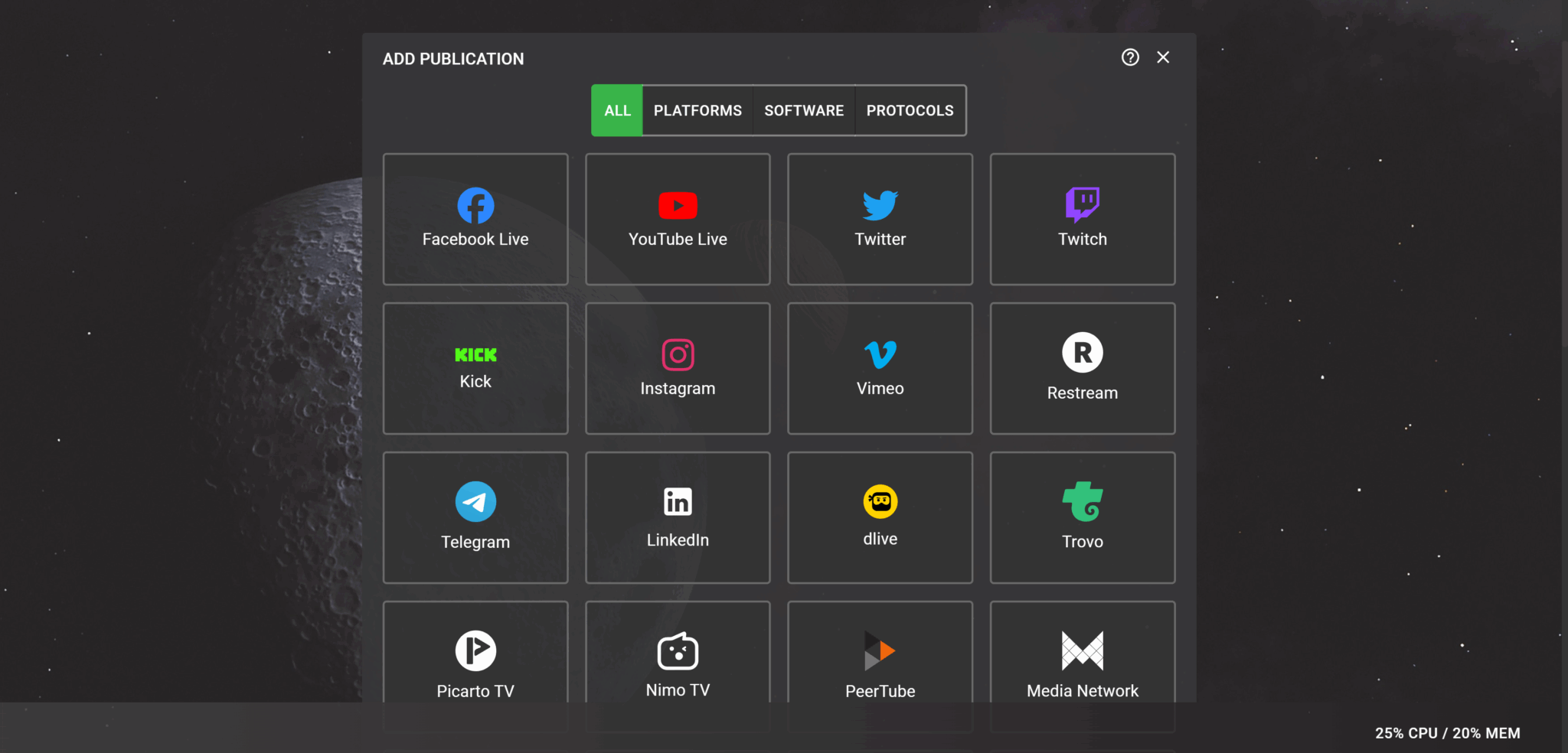
Multiple Destinations
Publish each live source to one or more supported streaming destinations from the same dashboard.
Passthrough Quality
Preserve the incoming stream without unnecessary re-encoding whenever the source and destination are compatible.
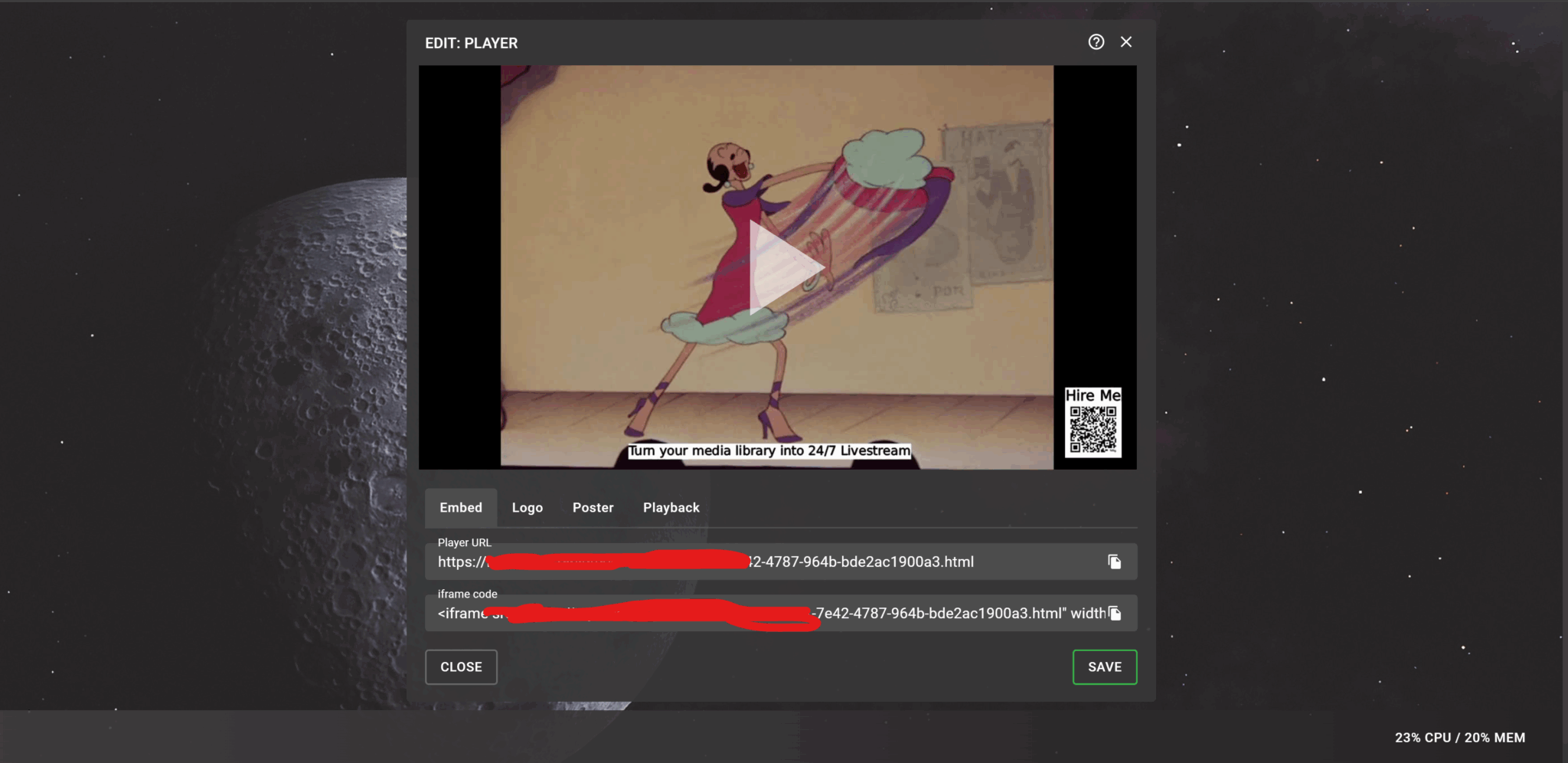
Live System Visibility
Monitor stream status, bandwidth activity, process information, and operational logs from one interface.
Built for Ownership, Not Dependency.
Your server account, streaming setup, and destination access remain under your control—without a mandatory multistreaming subscription.
Own the Server
Your VPS is purchased directly in your name, so you retain access to the infrastructure running your streams.
Choose Your Provider
Use an existing VPS or select a suitable provider based on your location, budget, and streaming requirements.
Control Access
Keep control of dashboard credentials, destination details, and who is allowed to manage the setup.
Scale on Your Terms
Increase destinations or streaming capacity by upgrading the underlying infrastructure when your needs grow.
Capacity Built Around Your Stream.
Your destination count is not locked behind a subscription tier. It is determined by your source bitrate, active streams, and the VPS you choose.
Up to 10 Destinations on Suitable Infrastructure
A typical creator setup may comfortably handle up to 5 destinations, while higher-bandwidth VPS options may support up to 10. Final capacity is assessed before installation.
Already Have a VPS?
We can review its CPU, memory, network port, server location, and expected workload before installation.
Need a Recommendation?
Receive a provider-neutral VPS recommendation based on your budget, location, stream quality, and destination requirements.
Grow When You Need To
Start with infrastructure that matches your current workload and upgrade the VPS when your streaming requirements increase.
Track record
Trusted by clients running real 24/7 channels
"Outstanding work, extremely cooperative, delivered exactly what I needed."
algadi333 — United Kingdom
"Great work as always, really takes the time to go above and beyond.. highly recommended!"
accessconnects — United States
"A very professional person. I recommend them."
cesaralmanzar — United States
One Setup. No Mandatory Monthly Fee.
Pay once for installation on your VPS. Keep the setup and request technical support only when you need it.
Private Multistream Setup:
$50 USD
One-time setup fee
- Installation on one client-owned VPS
- Private dashboard configuration
- Reverse proxy and SSL setup
- Container auto-start configuration
- Initial source and destination testing
- Basic usage video tutorial
VPS and domain costs are paid directly by the client.
3-Day Setup Protection
Installation-related issues reported within 3 calendar days of handover will be corrected at no additional charge.
Support When Needed
Future troubleshooting, configuration changes, and technical assistance are available on an hourly basis.
Tell Us About Your Stream
Share your source, expected quality, destination count, and current VPS details. We’ll check compatibility and recommend suitable infrastructure before installation.
Questions Before You Go Live?
Clear answers about VPS requirements, streaming capacity, quality, ownership, and support.
Can I use a VPS I already own?
Yes. Your existing VPS can be reviewed for CPU, memory, network capacity, server location, and expected streaming workload before installation.
How many destinations can I stream to?
Suitable infrastructure may support up to 10 destinations. Final capacity depends on source bitrate, active live channels, destination requirements, and actual VPS network performance.
Which streaming sources can I use?
You can use OBS, Streamlabs, vMix, compatible hardware encoders, and other supported live network sources.
What streaming quality will I get?
The setup can preserve your incoming resolution, frame rate, and bitrate through passthrough when the source format is accepted by the selected destinations. Stream quality begins with your source settings.
Is cloud recording included?
No. The initial setup is focused on live stream routing and distribution. You can continue recording locally in your streaming software or use recording and VOD features offered by your destination platforms.
Will I pay a monthly service fee?
There is no mandatory monthly service fee. The setup costs $50 once, while VPS and domain costs are paid directly by you.
What does the 3-day setup protection cover?
Installation-related issues reported within three calendar days of handover are corrected without additional charge. VPS-provider issues, client-made changes, expired stream keys, insufficient bandwidth, and destination-platform problems are not installation issues.
What happens if I need help later?
Future troubleshooting, destination changes, migrations, and technical assistance are available on an hourly basis.